Mixed routing
- Preview response
- 41ms
- Resource cost
- 49.5pts
OBXIOUS COMPUTE / FOR SMALL 3D TEAMS
A designer needs a responsive viewport. A final render can wait. Compare local, edge and cloud placement for each task, then carry the scene settings into your next session.
Try the placement simulator and a live CPU render without signing in.
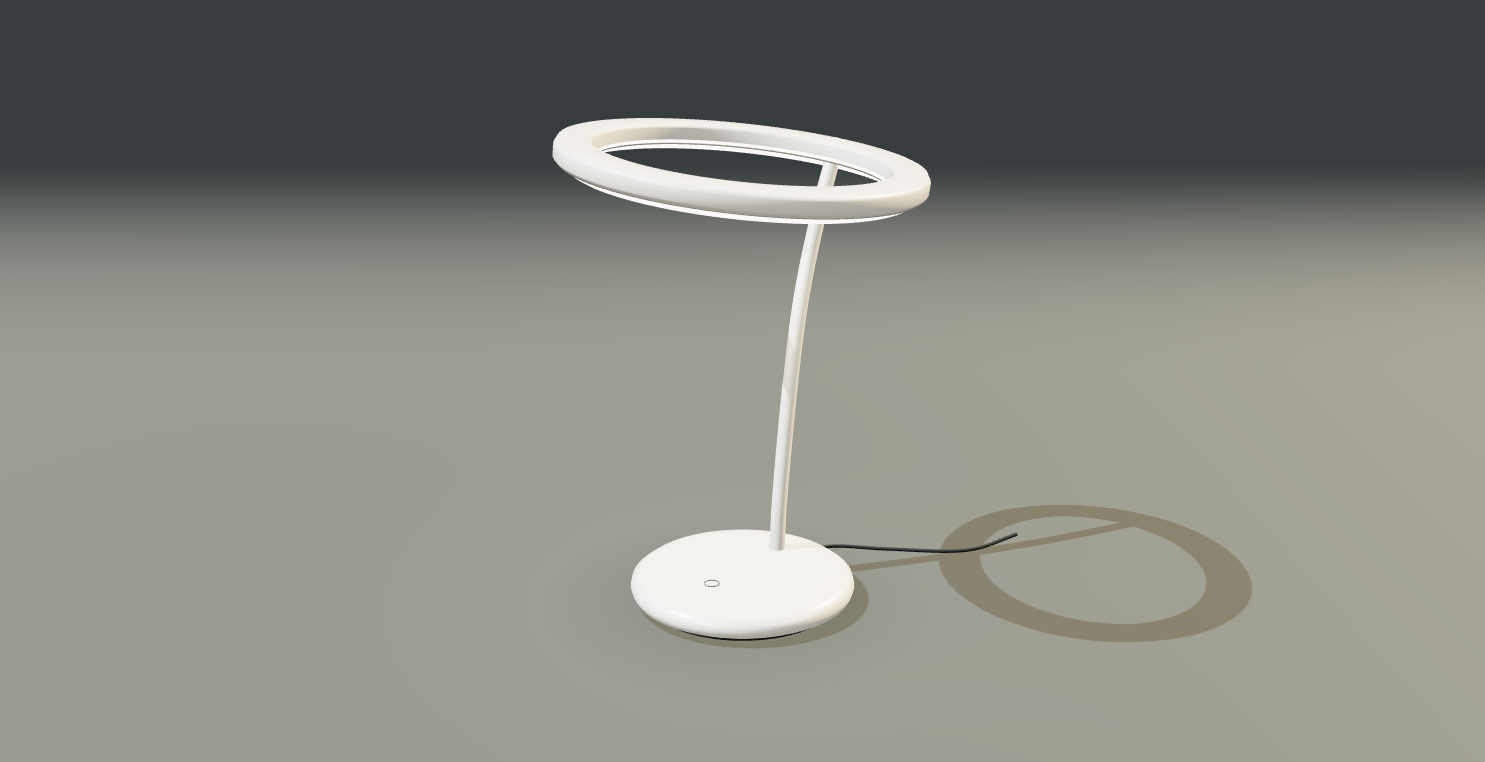
Lumen / Product study
Rendered in the browserINTERACTIVE ROUTING DEMO
Change the edge connection or studio load. See where each task goes and what that choice costs in the model.
TASK PLACEMENT
4 tasks| Scene task | Mixed | Cloud only |
|---|---|---|
Viewport inputOrbit, select, and move the camera | Device | Device |
Interactive previewShade the frame as the artist works | Edge | Cloud |
Offline final renderExport the full-resolution product shot | Cloud | Cloud |
Asset syncSync geometry and material textures | Cloud | Cloud |
MODELED OUTCOME
Same workload & inputsThe edge has the shorter preview path and meets the 50 ms target.
Take the scene for a spin in your browser.
Open 3D workspaceLIVE COMPUTE PROOF
Choose a view of the Mandelbrot set. The server computes the pixels, and your browser checks them before drawing the frame.
Request time includes the network round trip, rendering, and receiving the pixels.
PROJECT MEMORY / ACCOUNT REQUIRED
Save the finish and lighting you chose for a product shot. Later, ask for the look in your own words, inspect the original brief, and apply its settings to the 3D scene.
Try project memoryQUESTION IN A NEW SESSION
“What look did we choose for the next product shot?”
FROM THE SAVED BRIEF
Use a copper finish and warm studio lighting. Turn off auto-rotation while composing the shot.
A content hash identifies the original brief and prevents duplicate entries.
AI summarizes the brief. Embeddings let a new question retrieve it using different words.
Answers cite your saved sources. Apply the settings in the studio or export the memory as JSON.
INFRASTRUCTURE ROADMAP
Our next milestone is one remote GPU worker for a product scene. The plan pairs CPU, GPU and RAM with SSDs for active assets and HDDs for archives. We’ll measure the delay from input to frame on that worker.
Longer term, the goal is to connect regional clusters and let authorized apps retrieve project memory. Orbital compute remains a research direction.EARLY ACCESS
Working with product scenes, interactive previews or long renders? Join the list for early access and product updates.
Open the 3D studio